Trezor Safe 3 Review: The $79 Wallet for Leaving an Exchange for the First Time
The Safe 3 puts a certified secure element and open firmware into a 14 gram, $79 device. We weigh what it leaves out against the Safe 5 and Safe 7 for a first-time self-custody buyer.
The verdict
The Safe 3 is the cheapest sensible way to move coins off an exchange. It has a certified secure element, open firmware, passphrase support and Shamir backup for $79. The small OLED and two buttons make long addresses tedious, and there is no Bluetooth or touchscreen. If you hold more than a few thousand dollars or send often, the Safe 5 is the better buy.
Best for First-time self-custody on a tight budget
Pros
- EAL6+ certified secure element at a price well under most rivals
- Firmware and design are open source, so claims can be checked
- Shamir multi-share backup and passphrase are included at no extra cost
- Light 14 g body with USB-C and a clear two-button flow
Cons
- Small 0.96-inch monochrome screen is slow for checking long addresses
- No Bluetooth, so no direct pairing with a phone wallet
- No touchscreen or haptic feedback, unlike the Safe 5 and Safe 7
- Trezor Suite is the only polished app, and some coins need third-party software
If you have never held your own keys, the Safe 3 is the model to start with, and it is also the one most buyers will outgrow first. It costs $79, weighs 14 grams and does the one job that matters: it keeps your private keys inside a chip that never hands them to your computer. Everything it leaves out is a convenience, not a security feature.
What the $79 actually buys
The headline is the chip. Trezor's own page lists a certified EAL6+ secure element, the same assurance tier the maker uses on its pricier models. The older Trezor designs kept keys in a general-purpose microcontroller, and that was the weak point researchers kept hitting. A secure element changes the picture for anyone who might lose the device to a thief.
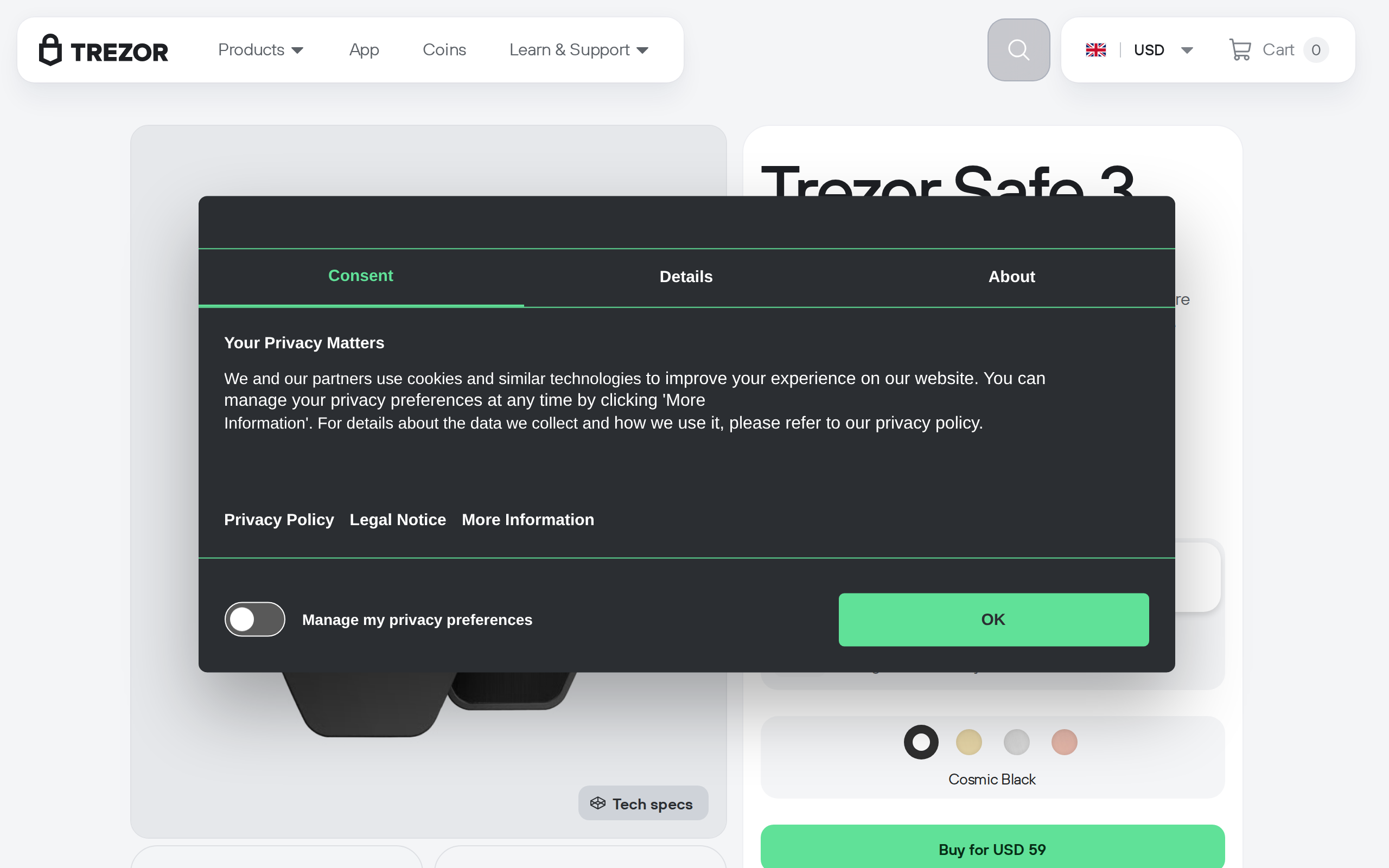
Around the chip you get a 0.96-inch monochrome OLED, two physical buttons and a USB-C port. The body is 59 by 32 by 7.4 mm and weighs 14 g, so it fits on a keyring. The casing is plastic with a tamper-evident seal, not the metal of a luxury wallet.
Two things we like at this price. Passphrase support is built in, so a stolen device and a PIN are not enough to reach a hidden wallet. And the firmware is open source, which means the claims on the box can be checked by people who are not on Trezor's payroll.
Backup is the feature a beginner should care about most
Most first-time buyers lose coins through a bad backup, not a hack. The Safe 3 offers a standard 12, 20 or 24 word seed, and also the Shamir multi-share scheme, where the secret is split into several cards and a threshold of them restores the wallet. The retail box includes two 20-word backup cards.
Shamir is more than most people need on day one. It helps when you want a spouse or a safe-deposit box to hold one share without any single share being enough. Set it up only after you have done a test recovery on a small amount.
Trezor Suite: simple, with limits
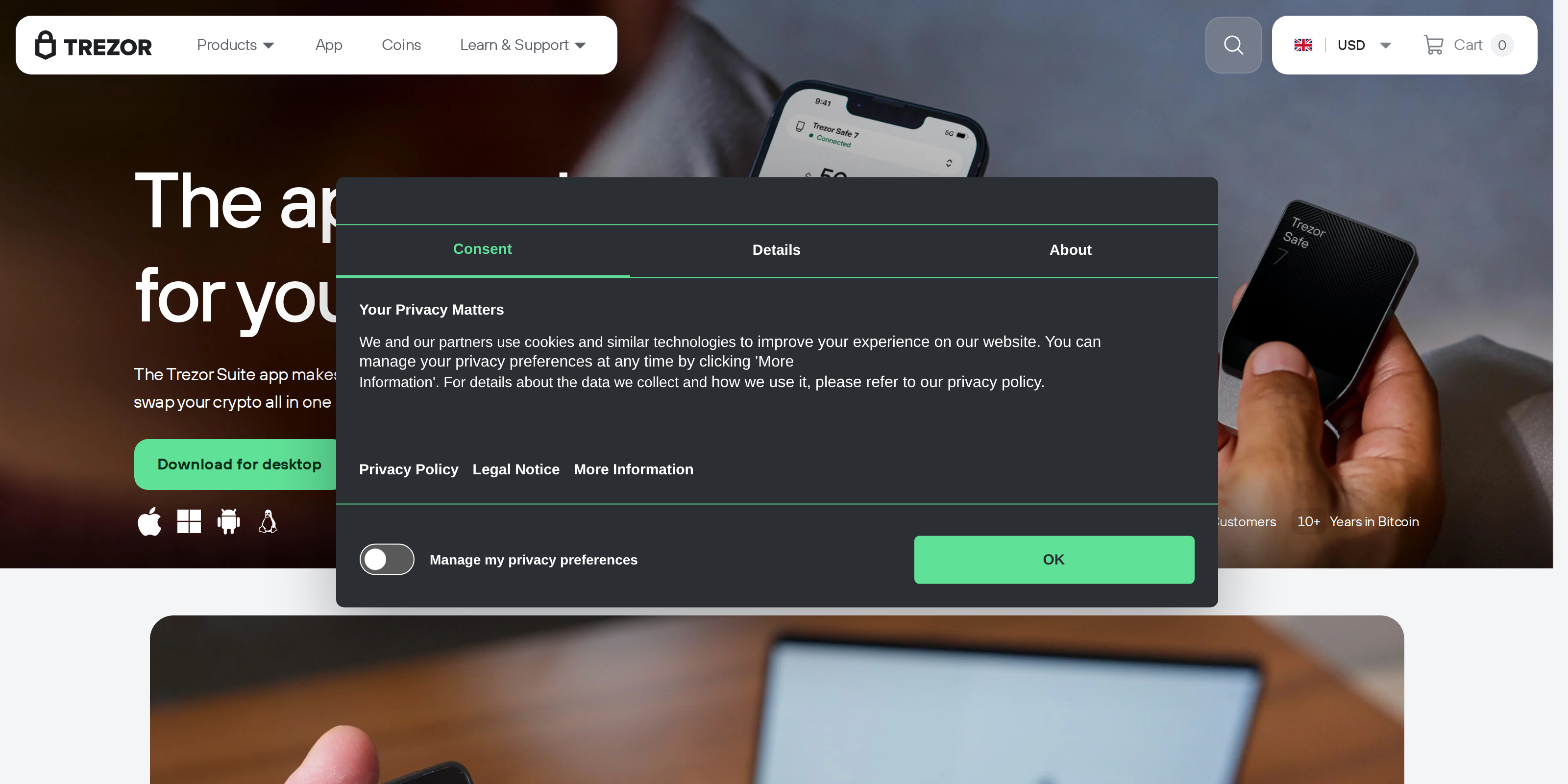
You manage the device through Trezor Suite on desktop or in a browser. Sending, receiving and checking balances is straightforward, and the app asks you to confirm each transaction on the device screen, which is the point of the whole design. Trezor says the device manages thousands of coins and tokens, but that is a count of what the ecosystem supports. Some chains need third-party wallets that talk to the Trezor, and each adds its own setup.
There is no Bluetooth on this model. You plug in with USB-C every time. On a phone that means an adapter or a compatible cable, and for someone who lives on mobile that friction is real.
Where the small screen hurts
The 0.96-inch screen is the honest trade. Checking the first and last characters of a long address is fine on a laptop-sized habit, but a contract interaction or a multi-output transaction scrolls across several screens. You press the buttons to step through. It works, and it is slow enough that people start to skim, and skimming is exactly what the confirmation step is meant to prevent.
The step-up question: Safe 3, Safe 5 or Safe 7
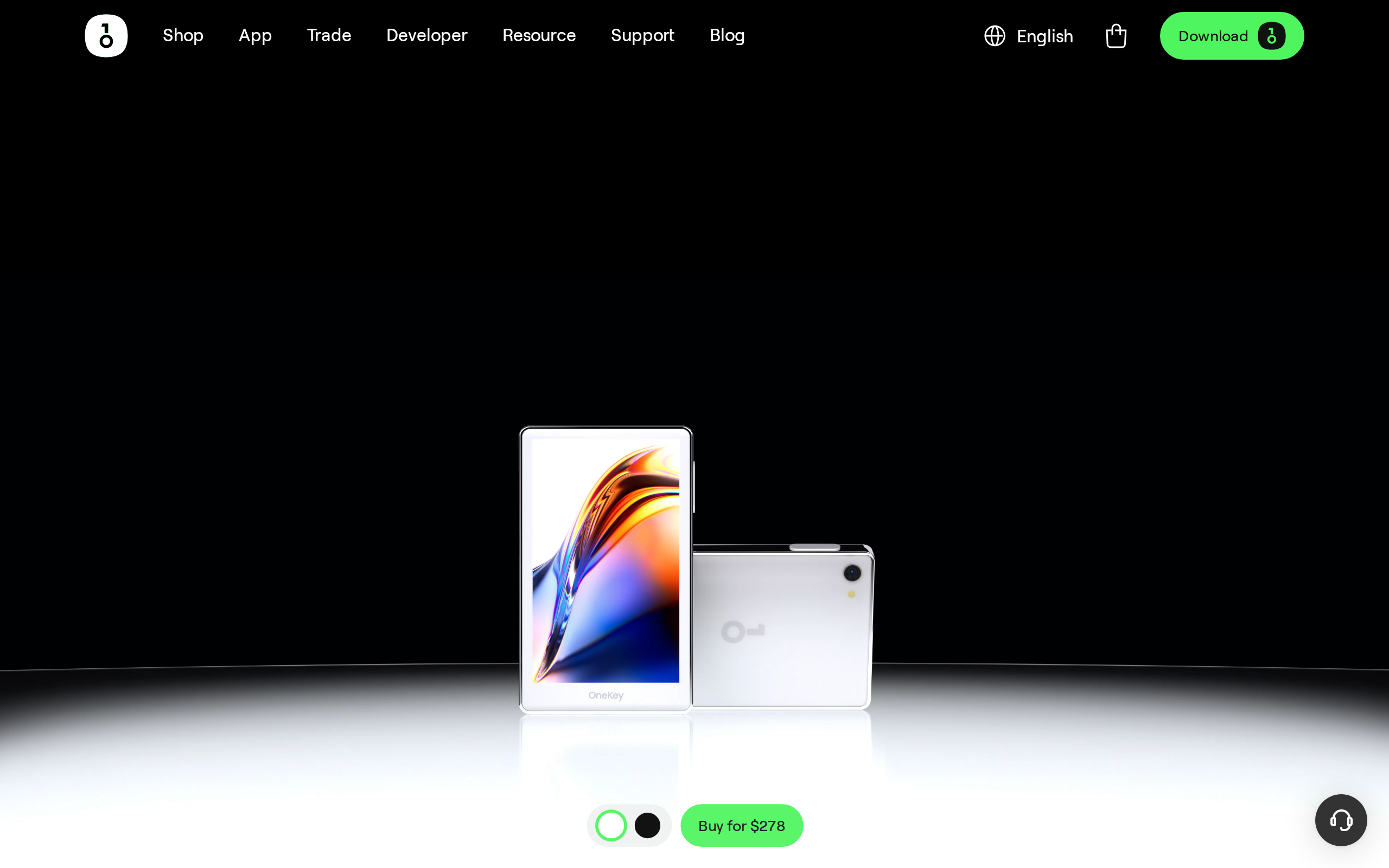
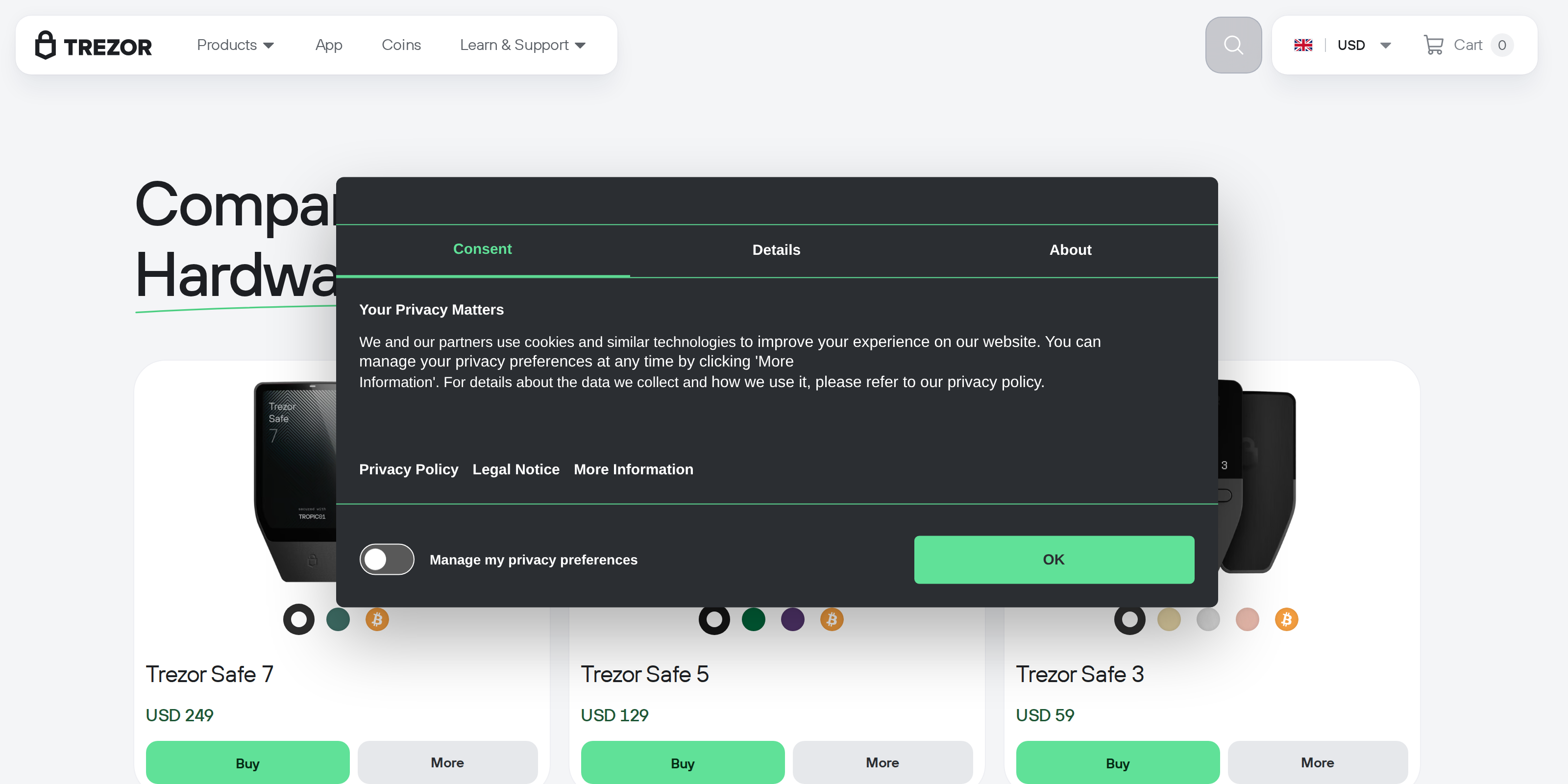
Trezor's comparison page shows the ladder. The Safe 5 adds a colour touchscreen and haptic feedback. The Safe 7 adds a larger touchscreen, Bluetooth and a dual secure element design, and costs $249 on Trezor's list.
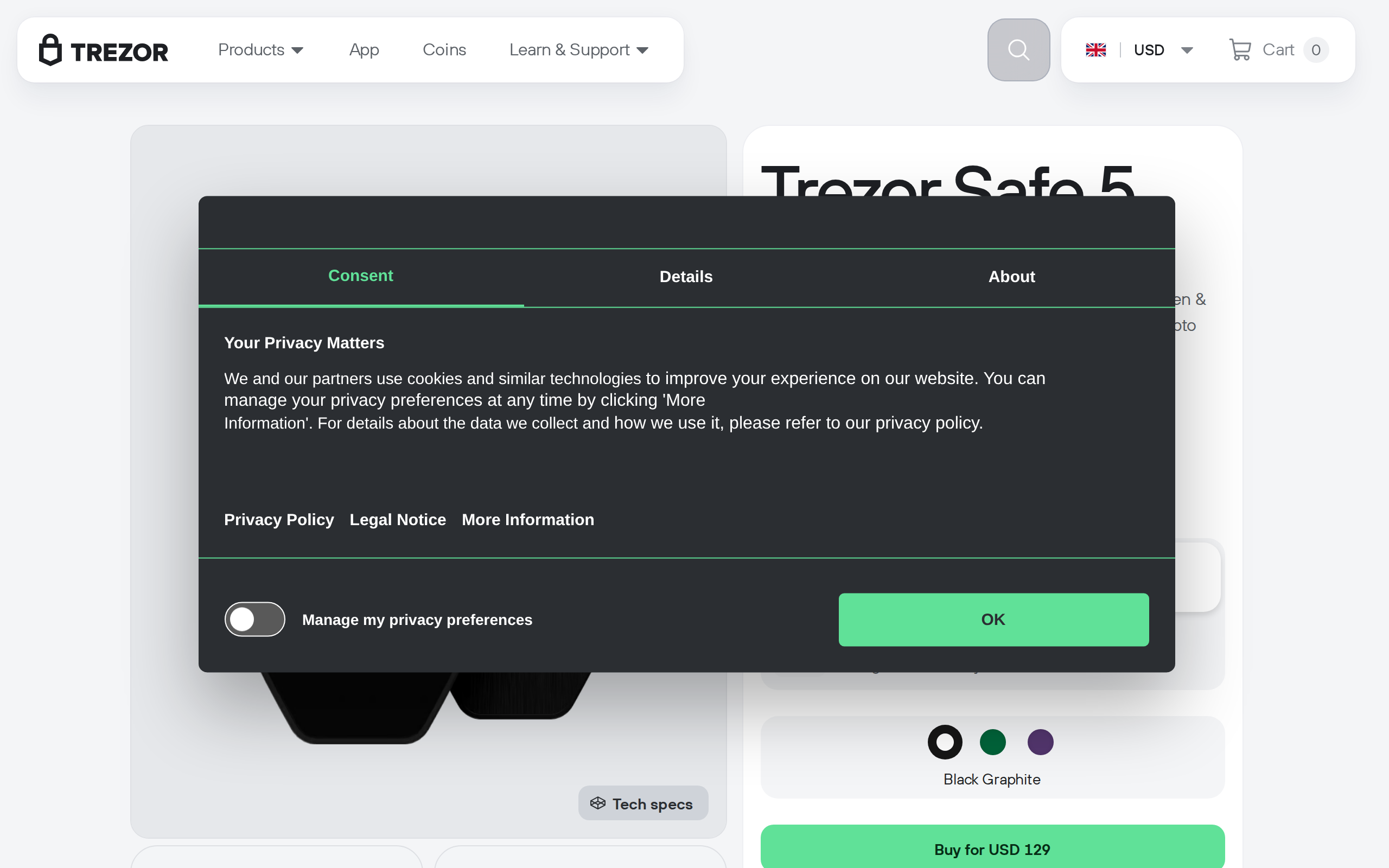
Our rule of thumb is about behaviour, not wealth. If you will move coins a few times a year and mostly hold, the Safe 3 does the job. If you sign DeFi transactions, send often or want to read what you sign on a bigger display, spend more. The security core is shared, so the extra money buys comfort, not a different level of key protection.
Who should not buy it
Skip the Safe 3 if you want phone-first use over Bluetooth, if you need a touchscreen to avoid fiddly confirmations, or if you want a secure element and a wallet app under one roof from a single closed vendor. Also skip it if you plan to keep a large balance and will confirm complex transactions often.
We are not telling you how much to move off an exchange or what to hold. A hardware wallet shifts risk from the platform to you: no support desk can recover a lost seed. Buy directly from Trezor or an authorised reseller, check the seals on arrival, and never type your seed into a computer.
Verdict
For $79 the Safe 3 is the best-value route into self-custody that we can recommend without a lot of caveats. The secure element, open firmware and Shamir backup are the real product. The screen and the missing Bluetooth are the price of the low ticket, and we score it accordingly.
Specifications
- Price
- $79 (list, promotions vary)
- Secure element
- EAL6+ certified chip
- Screen
- 0.96-inch monochrome OLED
- Input
- Two physical buttons
- Connection
- USB-C only
- Size and weight
- 59 x 32 x 7.4 mm, 14 g
- Backup
- 12, 20 or 24 word seed; Shamir multi-share
- Software
- Trezor Suite (desktop, web)
- Firmware
- Open source
As published by Trezor when we tested it.