OneKey Pro Review: Open-Source Firmware, QR Signing and a Fingerprint Sensor for $278
OneKey Pro costs $278, $29 above the $249 Ledger Flex and Trezor Safe 7, and adds QR air-gapped signing, a fingerprint reader and four EAL 6+ chips. Is the extra money earned?
The verdict
OneKey Pro is the most feature-rich hardware wallet in its price band: QR air-gapped signing, fingerprint unlock, four EAL 6+ secure elements and open-source firmware, for $278. That is $29 above the Ledger Flex and Trezor Safe 7 list price, and we think the extras justify it for people who want QR signing. The catch is a younger track record than Ledger or Trezor and a rechargeable battery.
Best for Self-custody holders who want QR signing and open firmware at a premium
Pros
- QR-code air-gapped signing keeps the device off USB and Bluetooth when you choose
- Fingerprint unlock is rare among hardware wallets in this price band
- Four secure elements carry EAL 6+ certification, per OneKey's product page
- Firmware is open source with reproducible builds and a SlowMist audit
- Lists 30,000+ coins and tokens across 100+ chains
Cons
- At $278 it costs $29 more than the Ledger Flex and Trezor Safe 7
- A built-in 530 mAh battery will age, unlike battery-free wallets
- Newer than Ledger and Trezor, so it has a shorter public record under attack
- Secure-element chips remain vendor firmware, as on rivals, whatever the app source
- Four connection methods widen the surface you have to understand
Pay $29 more than a Ledger Flex or a Trezor Safe 7 and you get a wallet that does things neither can. That is the whole case for OneKey Pro, and it is a better case than most price premiums. Two of the three extras we care about, QR signing and a fingerprint reader, are things you will notice on day one. The third, open firmware, is something you may never read but benefit from.
What $278 buys
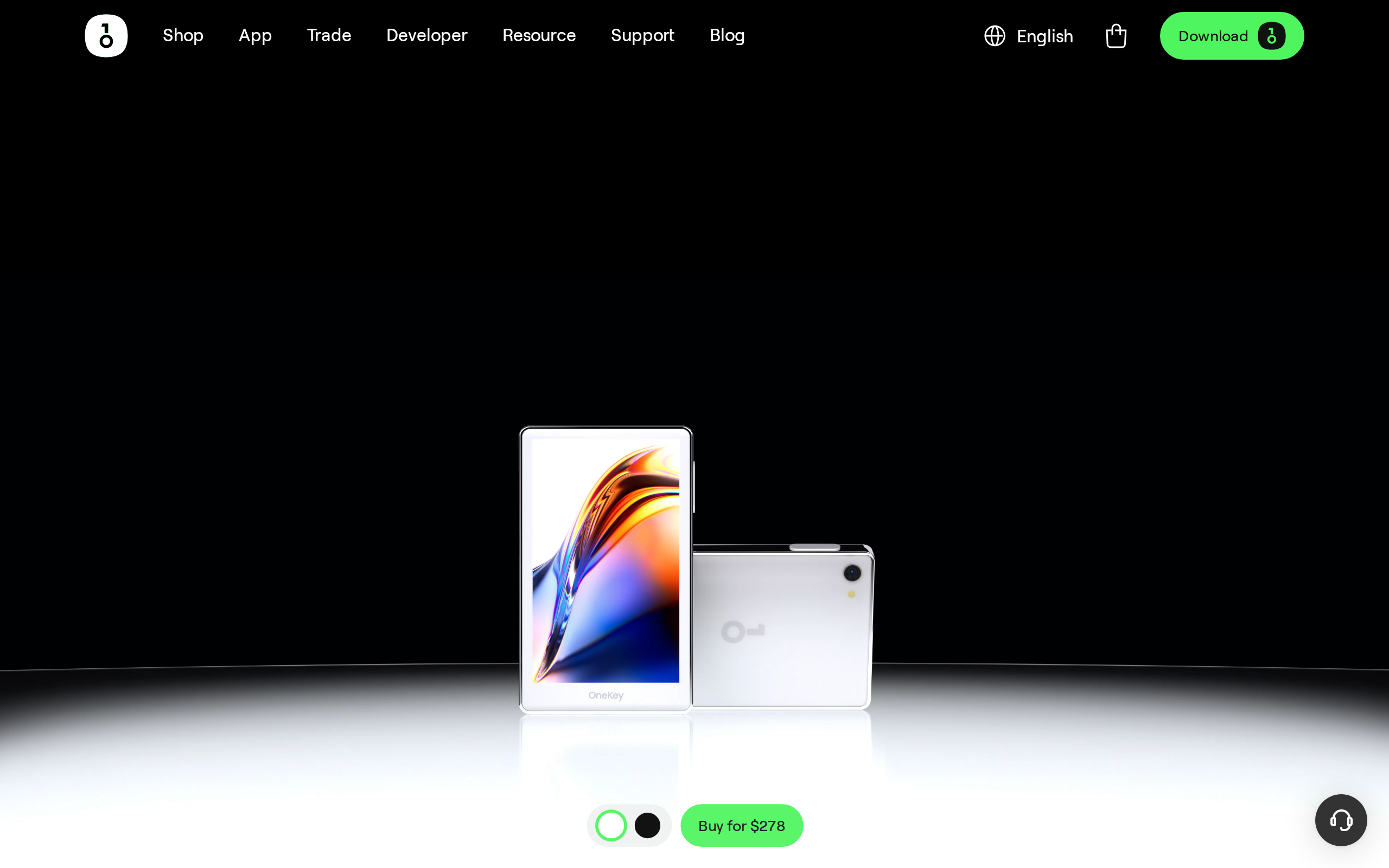
The product page leads with the line "Secure. Swift. Cold storage, reimagined." and a single price of $278. The specification list fills in the rest: a 3.5-inch colour touchscreen at 480 by 800, four secure elements certified to EAL 6+, a fingerprint sensor, a 530 mAh battery with Qi2 wireless charging, and support for over 30,000 coins and tokens on more than 100 chains.
Those secure-element chips are built on the Common Criteria standard, and EAL 6+ is a high rating. It tells you the chip resists physical attack, not that the whole wallet is safe. Who writes the firmware and how you store your recovery sheets matter just as much.
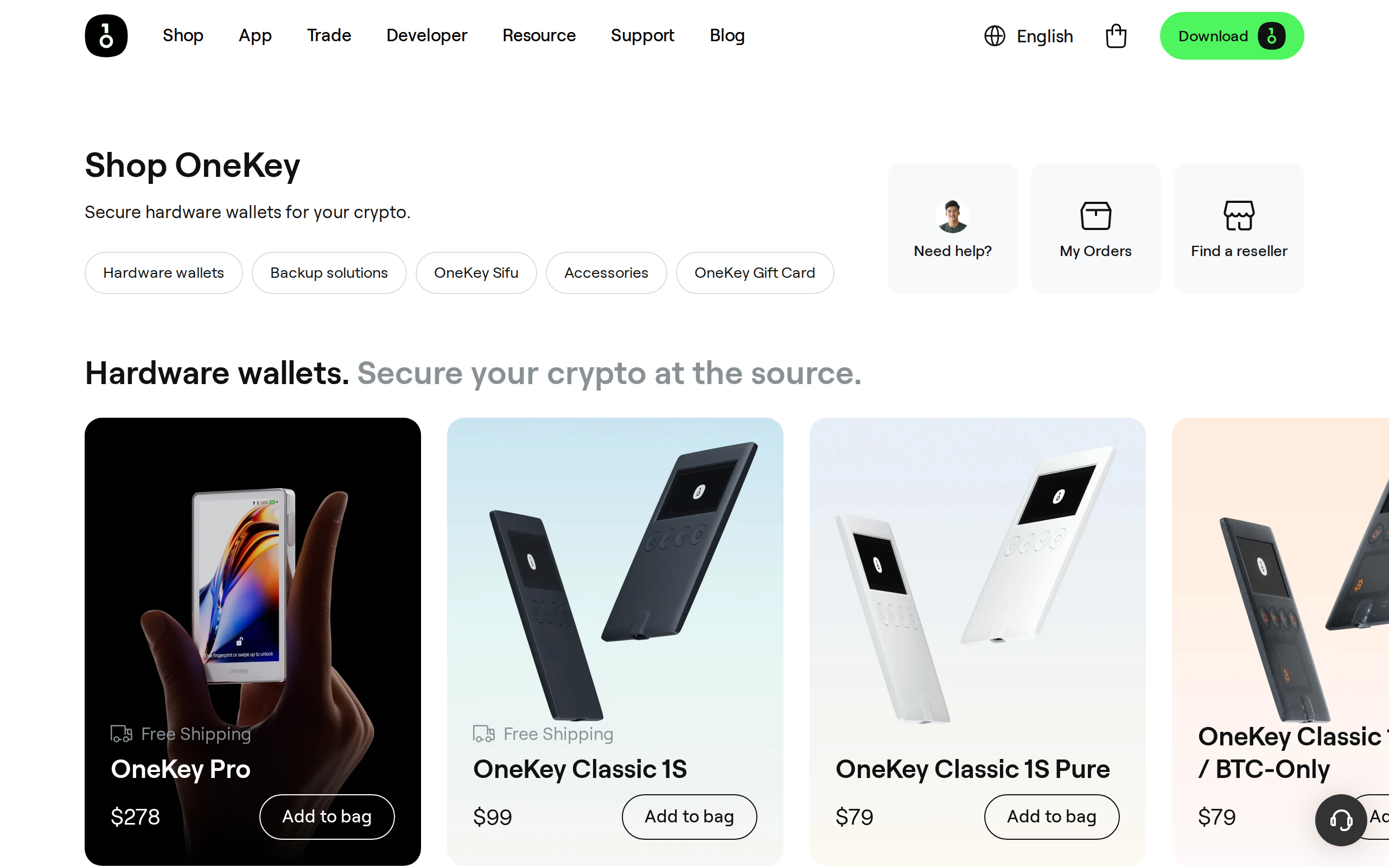
The shop also shows why the Pro is the premium pick. The Classic 1S at $99 and the Pure at $79 cost a third of the price, and for a first wallet holding a modest sum, they are the sensible start. Pay for the Pro only if its particular features matter to you.
Signing without a cable
QR signing is the feature we would buy it for. The wallet shows a code, your phone or computer scans it, and the signed transaction returns as another code. No USB cable and no Bluetooth link carries the data, so malware on the host machine has fewer routes to the keys. The Pro also offers USB-C, encrypted Bluetooth and NFC, and the choice is yours.
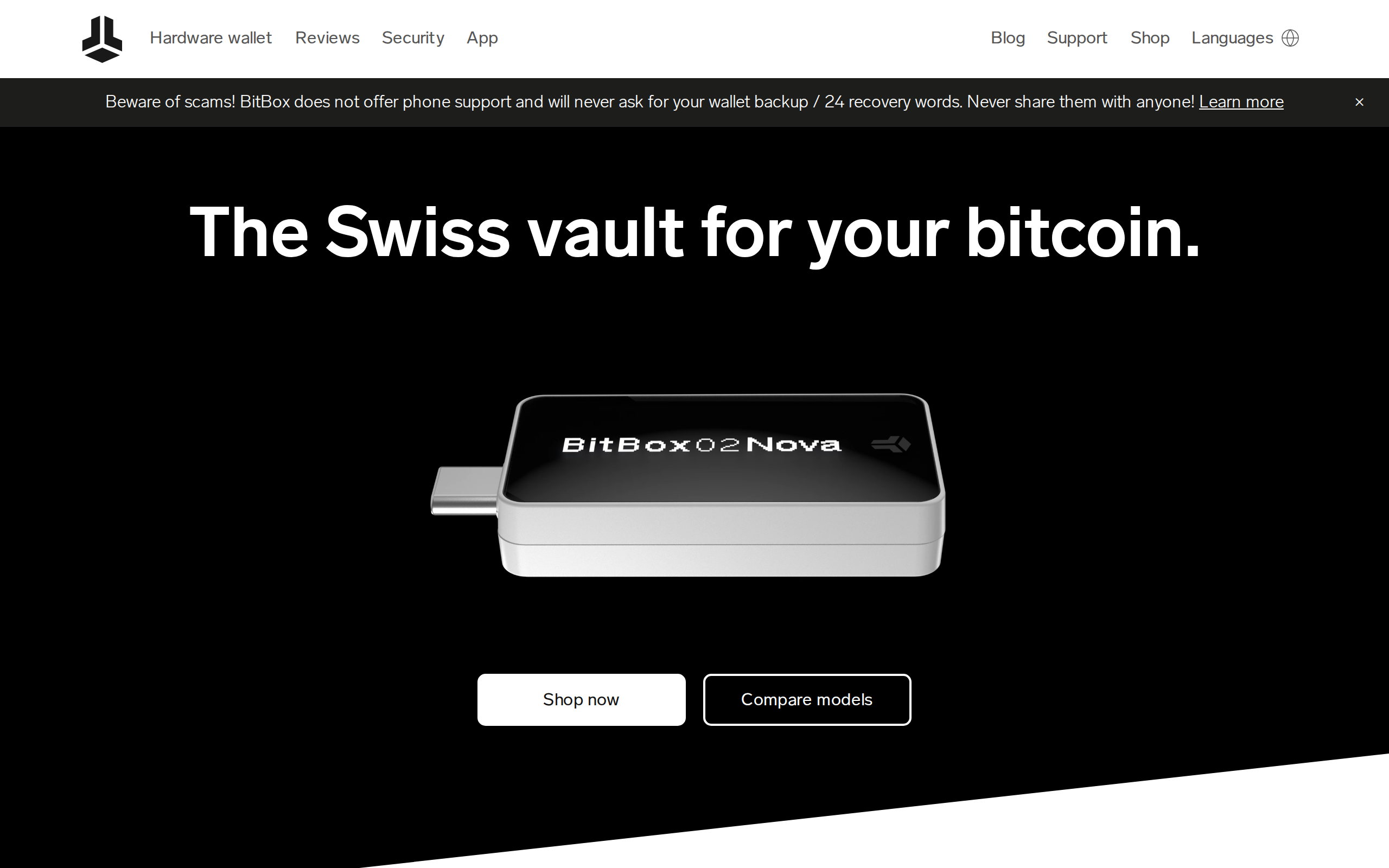
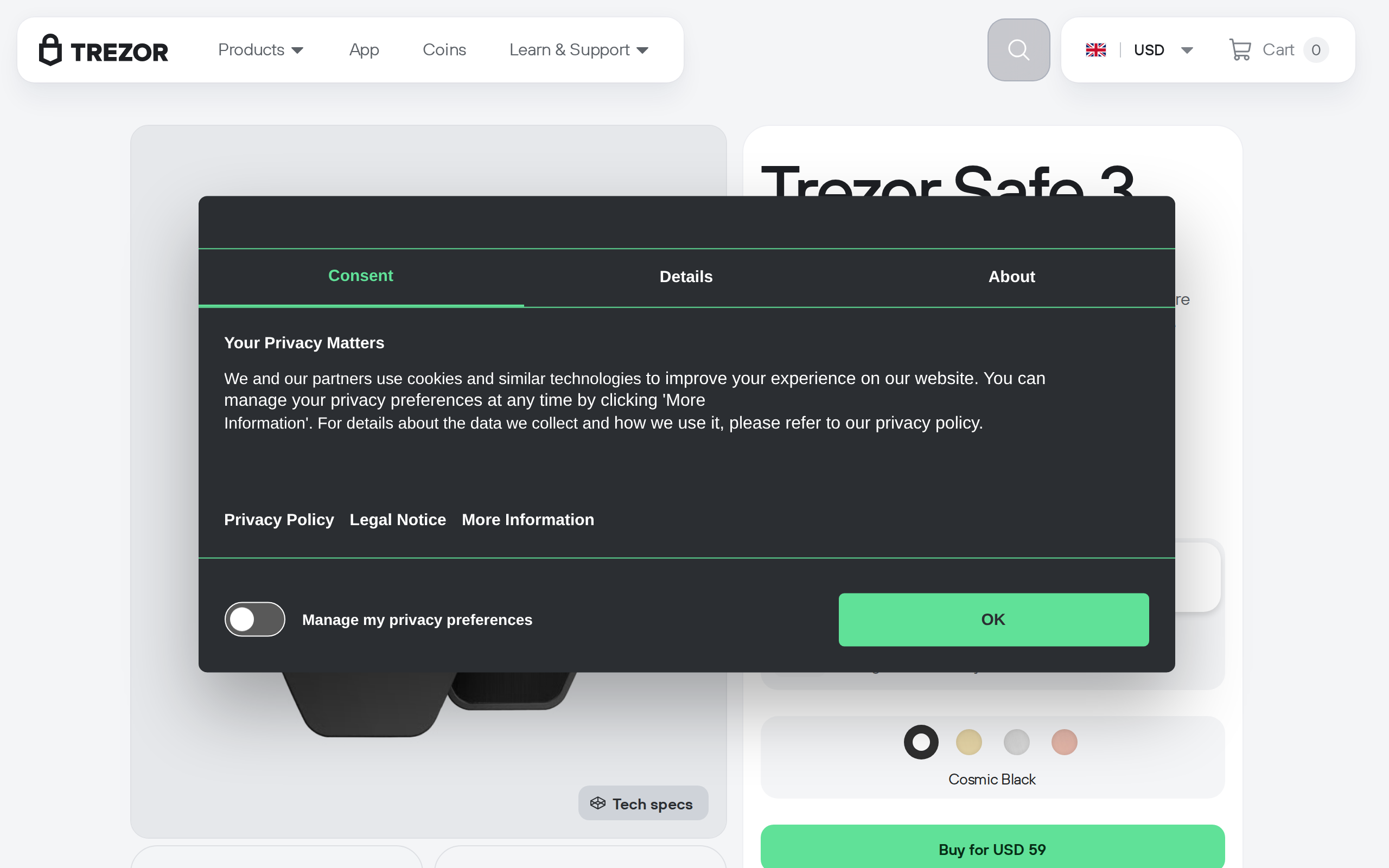
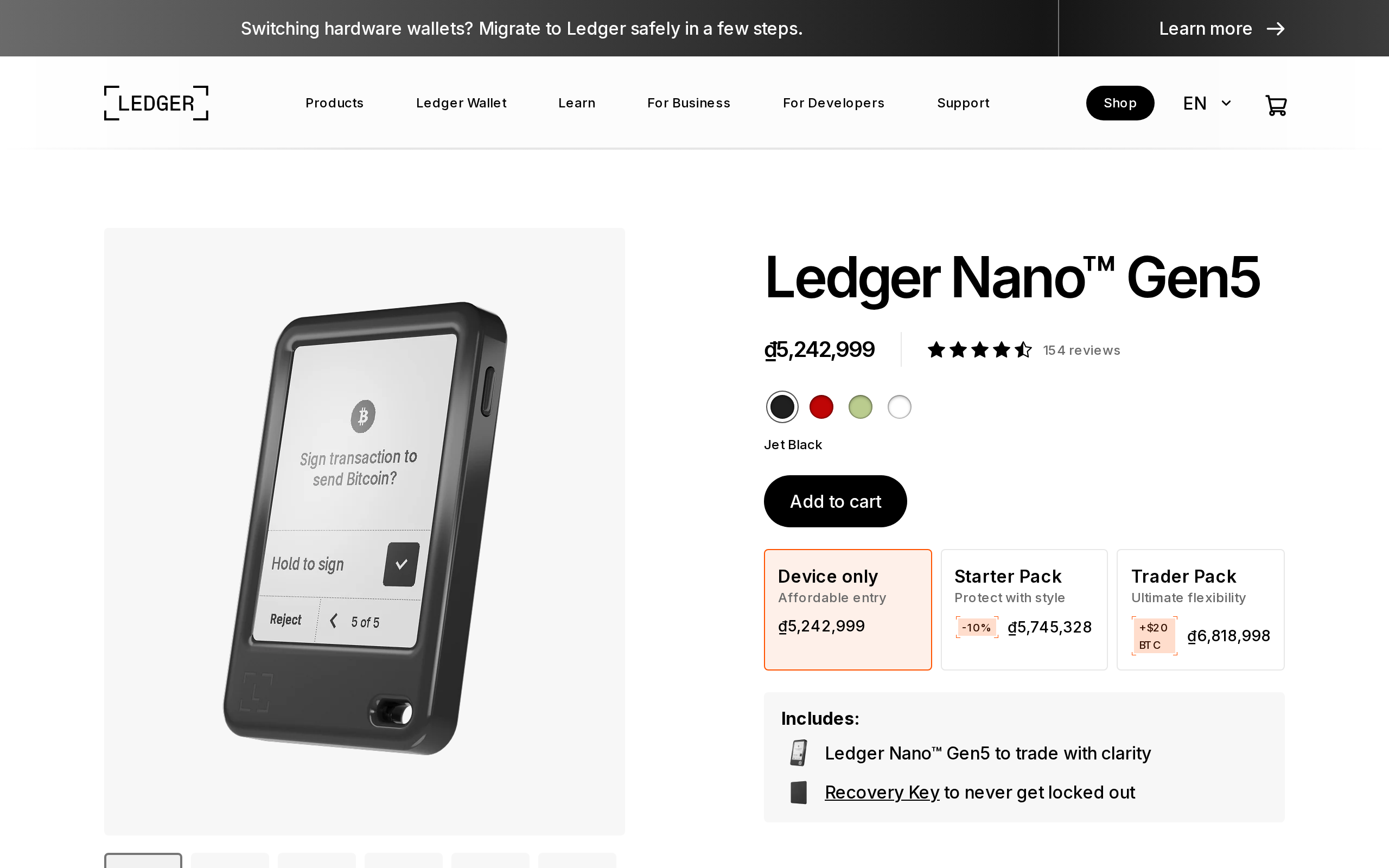
Comparison sites such as CryoVault's roundup note that the Trezor Safe 7 lacks QR signing, and that the Ledger Flex has no open-source firmware. Ledger's strength, in the same comparison, is its secure-element clear signing and the widest app ecosystem. Keystone and Coldcard also use air-gapped signing, so the Pro is not alone in the idea, only in combining it with a colour touchscreen and fingerprint sensor at this price.
The fingerprint question
Most hardware wallets protect the device with a PIN. A fingerprint adds a faster unlock and one fewer thing for someone watching over your shoulder to learn. It is a convenience, and we would never treat it as a replacement for the PIN or the recovery phrase. If you forget to set a strong PIN, a sensor will not rescue you.
Open firmware, in plain terms
OneKey publishes its code on GitHub, offers reproducible builds and cites a SlowMist audit. That lets outside researchers check that the firmware you run matches the code they read. We value that. The honest limit is that the secure-element chips themselves run vendor code, which is true of Ledger and Trezor too, so open firmware narrows the trust gap rather than closing it.
The Pro is also younger than the Ledger and Trezor lines. A wallet earns trust over years of public attack, and the Pro has had less of that.
Software and the try-before-you-buy route
OneKey's why page says you can use the OneKey app without owning a device, headed "Try it first free of charge."
We like that. Install the app, send a small amount of a coin you hold, and see whether the flow suits you. The homepage also pushes in-app trading of crypto and stocks.
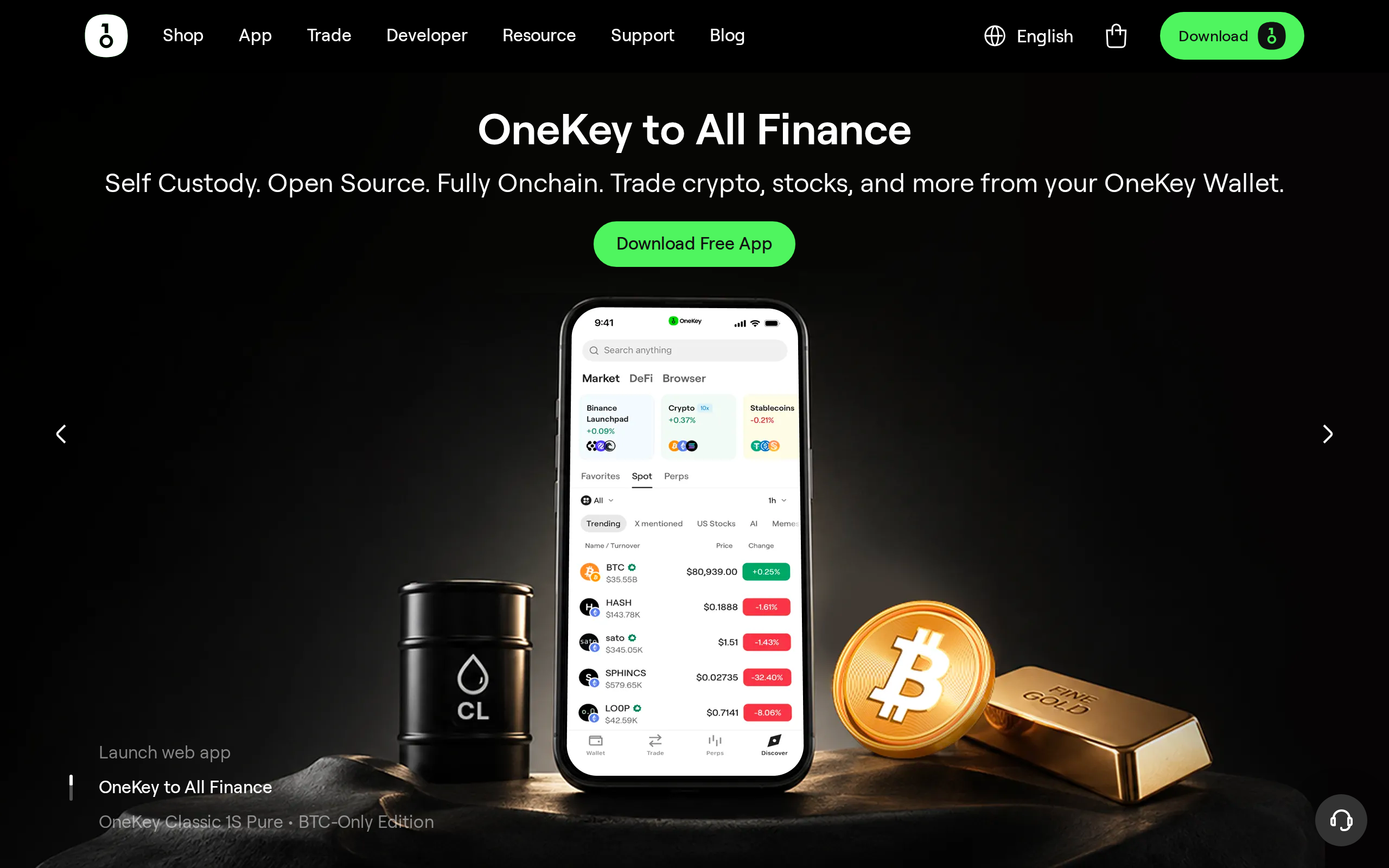
Treat built-in trading and swaps with caution. A swap inside any wallet adds a third-party fee, and the headline price of a hardware wallet is the smaller cost of owning one.
The battery
The Pro has a rechargeable cell, while the homepage promotes battery-free storage for the Classic range. Lithium cells wear, and a wallet that sits in a drawer for years may need a charge before it wakes. This is a real trade-off for long-term cold storage. Charge it twice a year and keep your recovery sheets safe, because the sheets are your backup, not the device.
Verdict
Buy the Pro if QR signing and fingerprint unlock matter, you like open code, and $29 over the rivals does not hurt. It is an excellent daily-driver wallet for a sizeable holding.
Buy the Classic 1S, or a Trezor Safe 3, if you want the cheapest sound start. Buy a Ledger if the app ecosystem is the deciding factor. Whichever you choose, buy direct from the maker, write the recovery phrase on paper, and never type it into a computer. This is a product comparison, not a recommendation to hold any particular asset.
Specifications
- Price
- $278, free shipping
- Screen
- 3.5-inch IPS touchscreen, 480 x 800
- Secure elements
- 4 chips, EAL 6+ certified
- Signing
- QR air-gap, USB-C, Bluetooth, NFC
- Biometrics
- Fingerprint sensor
- Battery
- 530 mAh, Qi2 wireless charging
- Assets
- 30,000+ coins and tokens, 100+ chains
- Firmware
- Open source, reproducible builds
As published by OneKey when we tested it.